| Opt Out and Opt In Services |
 |
The Opt-Out and Opt-In services record opt-out or opt-in actions by the recipients of your mailings. To place a URL to the Opt Out/In Tracker in your message, use the OptOut/OptIn feature tag:
{{optout}} or {{optin}}
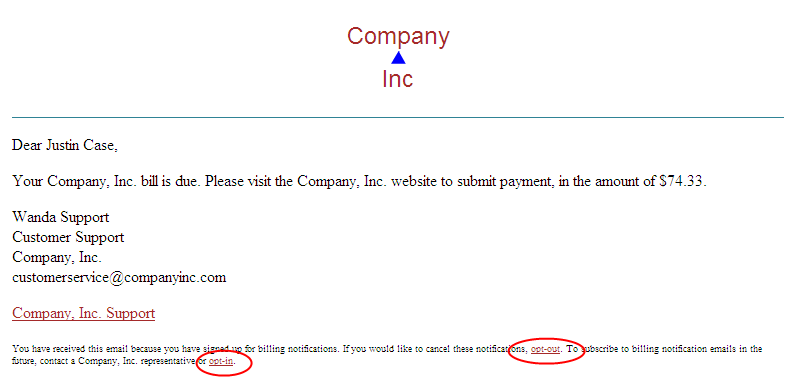
An example html with opt-ins and opt-outs:
<html>
  <head>
  </head>
  <body bgcolor="#2F8395">
    <div id="mainbody">
      <div id="header">
        <p style="text-align: center;">
        Company<br/>
        <img src="https://www.companyinc.com/images/triangle-top-blue.gif" border="0"/><br/>
        Inc
        </p>
      </div>
      <p>Dear {{First}} {{last}},</p>
      <p>Your Company, Inc. bill is due.  Please visit the Company, Inc. website to submit payment,
         in the amount of $74.33.</p>
      <p>Wanda Support<br/>
         Customer Support <br/>
         Company, Inc.<br/>
         customerservice@companyinc.com</p>
      <a href="{{tracklink:http://www.companyinc.com/support}}">Company, Inc. Support</a><br/><br/>
      <div id="business">
        You have received this email because you have signed up for billing notifications.  If you would
        like to cancel these notifications, <a href="{{optout}}">opt-out</a>.  To
        subscribe to billing notification emails in the future, contact a Company, Inc. representative
        or <a href="{{optin}}">opt-in</a>.
      </div>
    </div>
</body>
</html>
Opt-Out/In Tracking
Recipient opt-outs and opt-ins are recorded as tracking events 6508 and 6509, respectively. These tracking events are viewable via Custom Reports*.See the ePriority Service Overview for details. * Upon request, a recipient opt-outs.csv file is also available in the data folder of your FTP directory.
Opt-Out/In Confirmation
Confirmation pages can be custom branded per account or Delivery Profile or the defaults may be used.
Default Opt-Out Comfirmation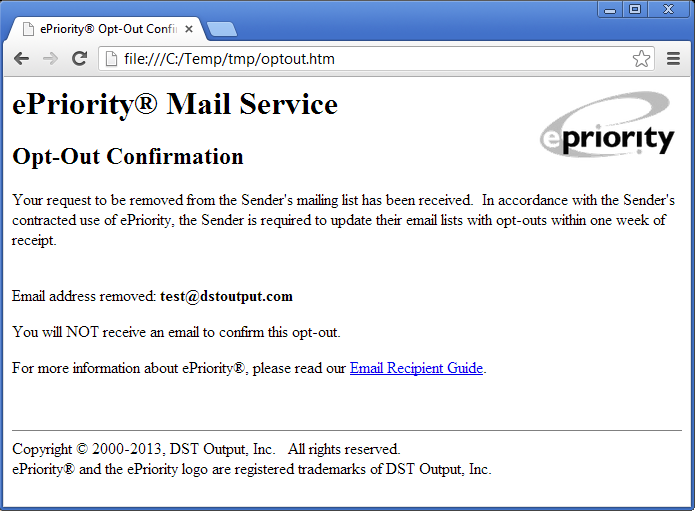
Default Opt-In Comfirmation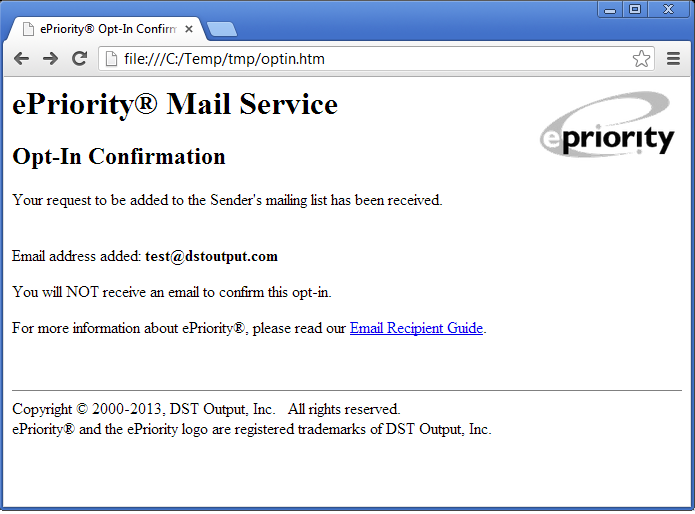
If an email's Tracking Period has expired when an opt-out or opt-in link is clicked then the recipient is notified that the request can not be processed. Expiration confirmation pages may also be custom branded.
Default Opt-Out Expiration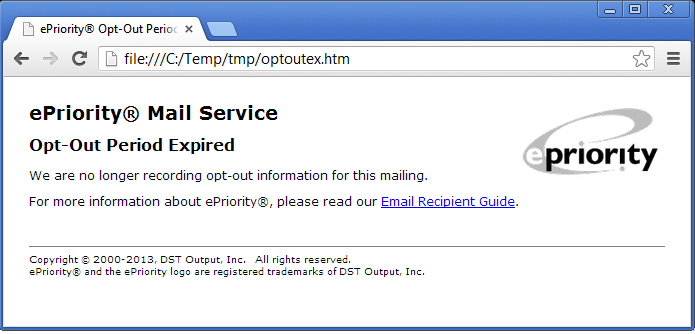
Default Opt-In Expiration